Cover the first 80% so your team handles the 20% that matters
You do not need a 50-person support org to feel like one. Rivesa handles the password resets, the status questions, and the order lookups — the stuff that fills your queue and drains your week.
Reads every inbound ticket, tags it by type, pulls the customer's account, and prioritizes by urgency. Your queue stops looking like chaos.
For common questions — 'where is my order,' 'how do I reset,' 'what's your return policy' — Rivesa drafts or auto-sends with your tone of voice.
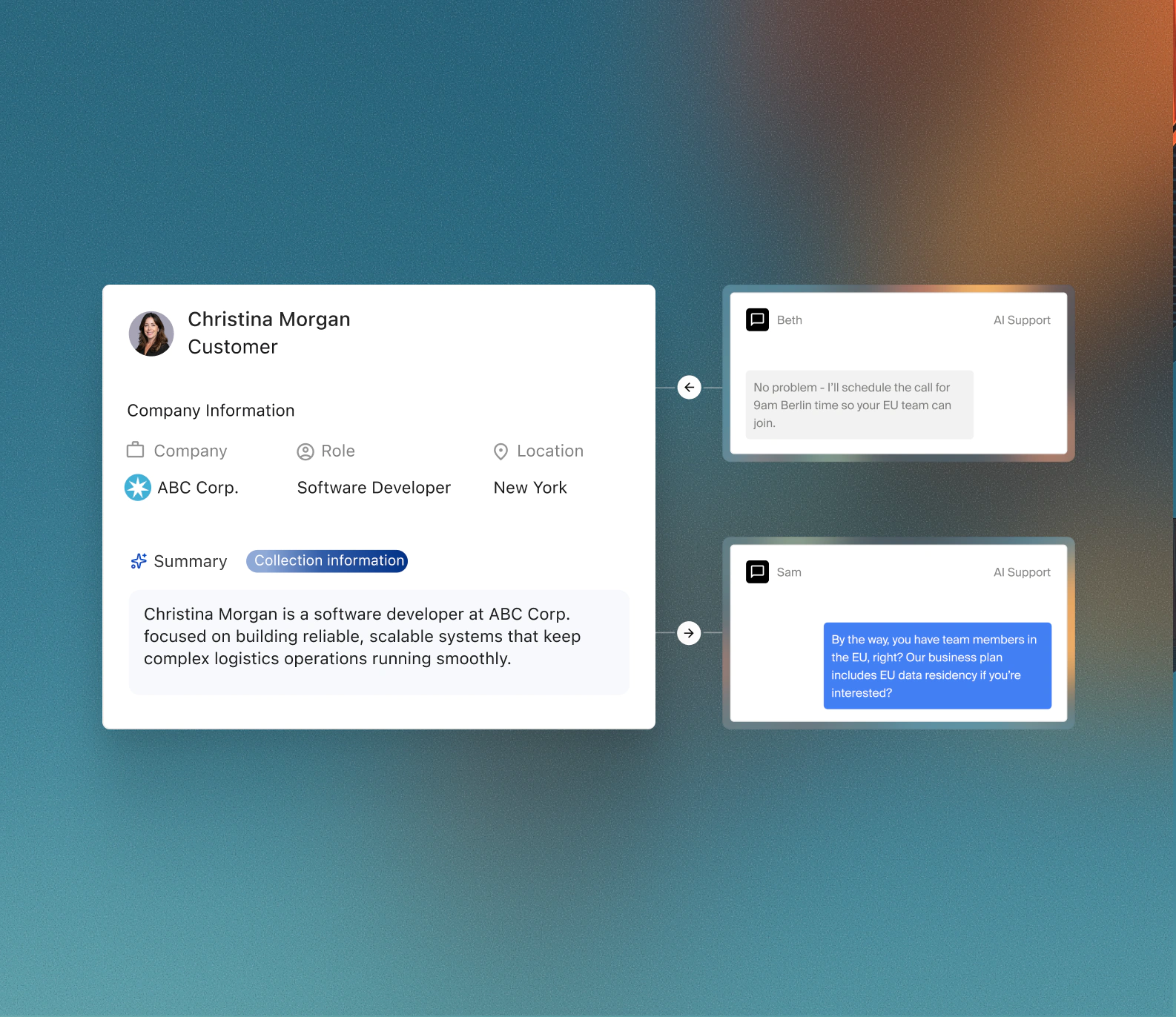
Angry customer, billing dispute, something weird? Rivesa pings you with the ticket history, account context, and a suggested response already drafted.
Password resets and account lookups
The requests that never needed a human. Rivesa handles them instantly, cuts your queue by a third overnight.
Order status and shipping updates
Pulls the real tracking info from Shopify or your OMS, replies with the specifics, keeps the customer informed.
Refund and return intake
Gathers the photos, checks the return policy, auto-approves the clean ones, queues the judgment calls for you.
Every reply references the customer's actual history
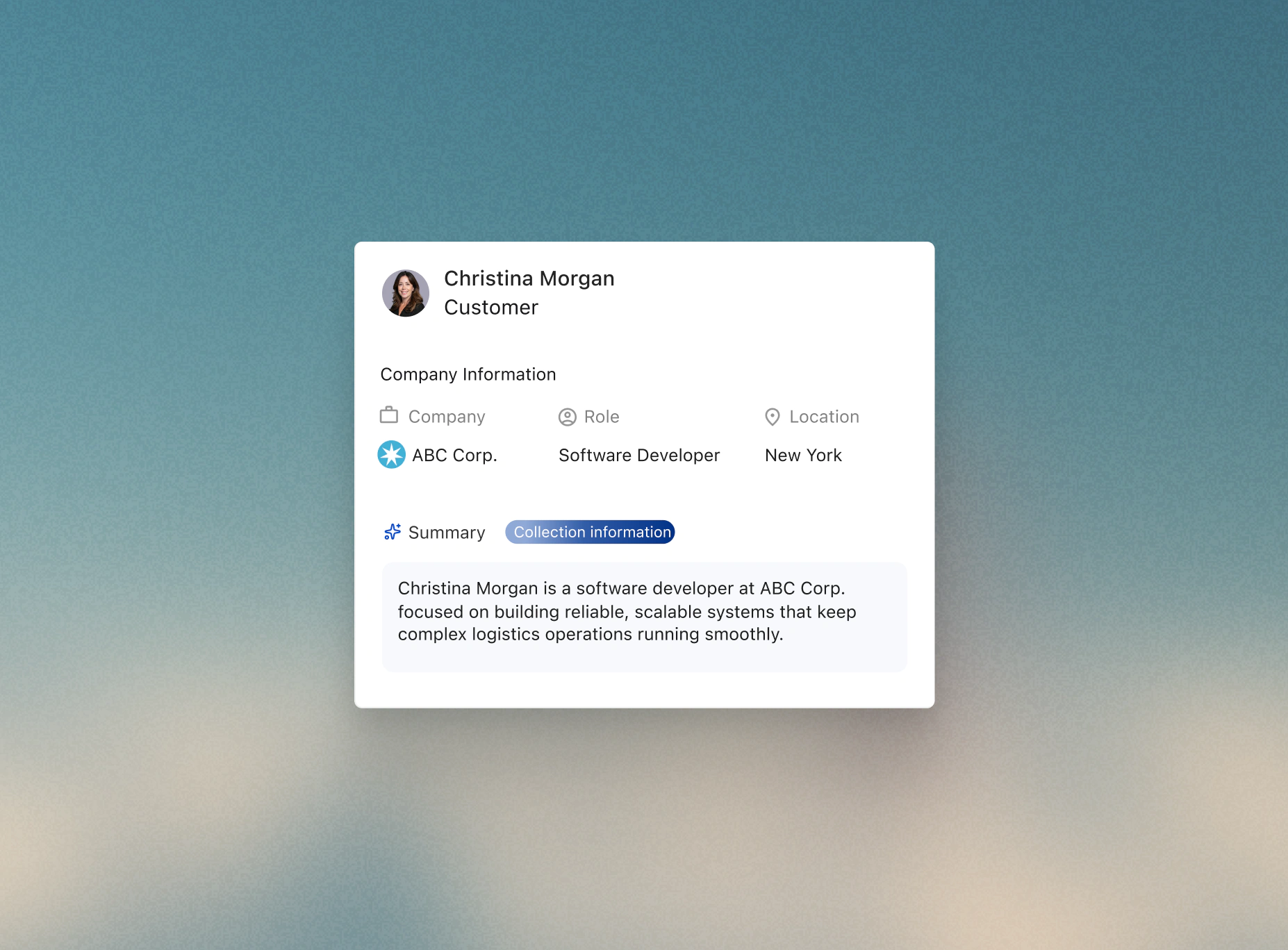
Rivesa pulls the order history, the last three tickets, the plan they are on, and the note your team left. Replies that do not make the customer re-explain the problem.
Response time drops, your evenings come back
The volume that used to push tickets into your personal inbox at 10pm stops doing that. You see cleaner metrics, your team sees fewer repetitive tickets, customers get faster answers.
Ships in days
Pick the workflow that is costing you the most hours. First version running before the end of the week, not the end of the quarter.
Gets smarter
Every edit you make, every exception you flag, makes the next run sharper. You train it by using it, no prompts to engineer.
Fits your stack
Works with the tools you already have: Gmail, HubSpot, QuickBooks, Slack, Stripe. No rip and replace, no 9-month migration.
Get the support ticket triage that used to require a full team
Pick the one task you are sick of doing. We will ship it as a workflow this week. Enterprise power, SMB pricing.